



Araknis Networks AN-110-SW-R-24 24-Port Gigabit Network Switch
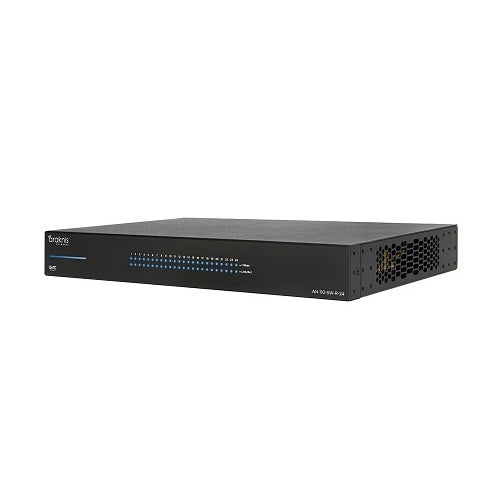
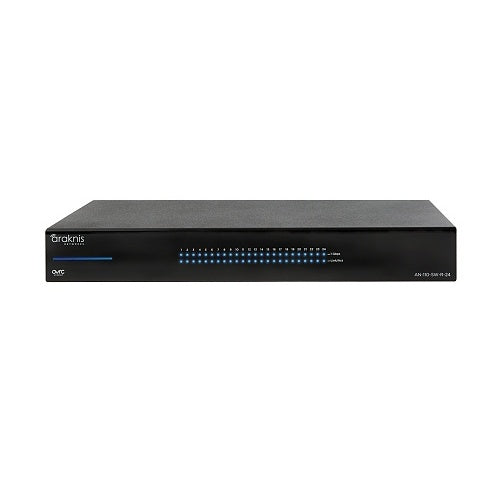
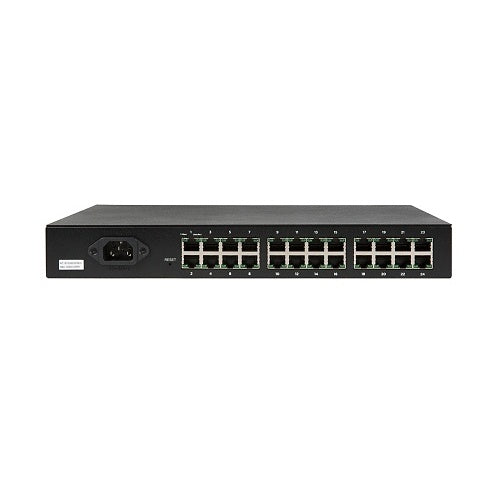
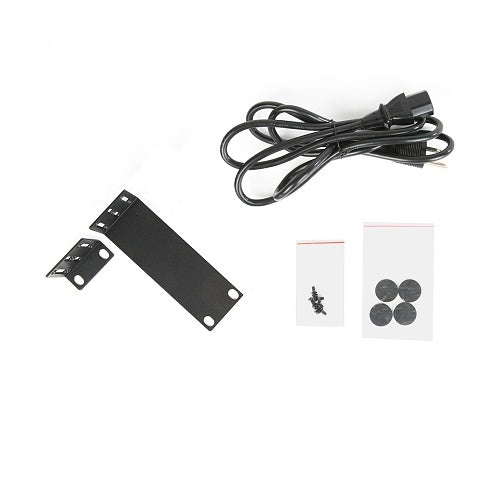
Araknis AN-110-SW-R-24 is a 24-port Unmanaged+ Gigabit switch with rear-facing ports, 48Gbps switching capacity, OvrC visibility, fanless operation and 1U rack mounting. Non-PoE design; AC power cord and rack ears included.
Tax excluded. Shipping calculated at checkout
Free U.S. shipping is available on orders over $499.99.
Personalized pricing may be available for a single item, multiple products, larger quantities, or competitive quotes.
Check compatibility, what’s included, key specifications, and installation requirements in the Product Details below. Need help confirming compatibility? Contact us before ordering.
A tracking number is provided by email after the order has shipped. U.S. only: Orders usually process in 1 to 2 business days, with delivery typically taking 3 to 6 business days after shipment. Free shipping on orders over $499.99 For more information, please see our Shipping Policy here.
We accept returns within 30 days of delivery for unused, uninstalled items in original packaging. Many products also include a manufacturer warranty. For more information, please see our Refund Policy here.
Official Product Resources
AN-110-SW-R-24 Product Manual & Specs
View the official AN-110-SW-R-24 manual for product specifications, setup details, wiring guidance, and installation reference before ordering.
Open AN-110-SW-R-24 Manual PDFOpens the official PDF manual in a new tab, where you can view, save, or print the file from your browser.
Araknis Networks AN-110-SW-R-24 24-Port Gigabit Network Switch
Product Details
Key Features
FAQ
RELATED PRODUCTS
Discover Other Products You Might Like and Simplify Your Search
Why Customers Keep Coming Back
Real feedback from customers nationwide on our service, shipping, and support.

M. from New Jersey
Outstanding customer service speakers arrived cross country Cali to New Jersey in spectacular condition.
Great communication great packaging would buy again.

M. from Louisiana
Product arrived quickly and in good condition. The price was very competitive. I’m very satisfied. I highly recommend the seller.
G. from Texas
Place a large order and was able to accommodate me quickly and parts were delivered as promised
R. from California
Easy ordering and super fast standard shipping. Great experience and highly recommended.
B. from Texas
Arrived promptly & in excellent condition with all required parts. Sounds great and impedance matches other speakers.
E. from Arizona
Great products, easy ordering, prompt shipping
S. from Florida
Excellent customer service! Picks up the phone. Fast delivery across the country. Worthy online retailer!
G. from Texas
Bear Security Shop has a great customer service, and is fast and easy to do business with. I've ordered product from them twice with great service both times. Would definitely recommend them.
J. from Los Angeles
Excellent customer service. Lightning fast shipping. Very grateful for the team at Bear Security. Thank you!
T. from Oklahoma
Trustworthy, honest, and plus integrity, with outstanding professionalism! I highly recommend them buy with confidence!

C. from Colorado
Experience with Bear Security Shop was fast and easy and the speakers arrived less than we week after ordering. And the price was half what my installer wanted to charge me for these speakers. Highly recommended.
V. from California
Excellent communication. Prompt responses and very knowledgeable and helpful. Items arrived faster than expected and in brand new condition as described. Will continue to do business with them.
C. from South Dakota
Awesome camras well worth the money good seller would buy again 👍